
Findings are Bloomlight's to-do list for your website: specific issues from your audits, translated into plain English and ranked by how much they matter. Here's the loop that turns them into real improvement.
Open a page and read its findings
From your website, pick a page. Open findings are listed under its scores, highest impact first, each with what we saw, why it matters, and what to do about it.
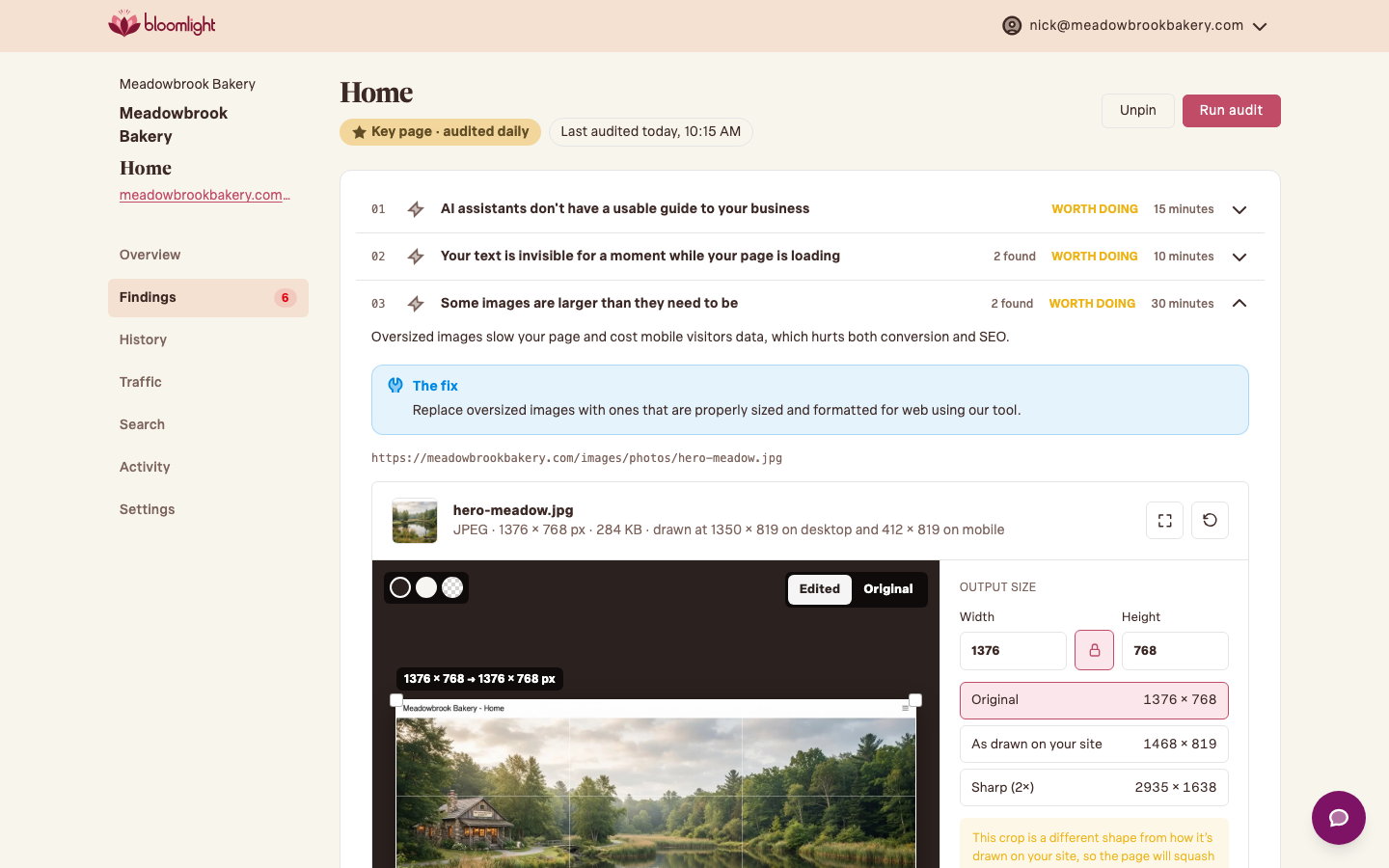
Fix the item (or send it to someone who can)
Some findings you can handle yourself: shrink an image, rewrite a page title. Others are one-liners for whoever built your site. Each finding has a note thread, so you can leave context right on the item.
Run an audit to confirm it cleared
Don't wait for tomorrow's scheduled audit. Hit Run audit on the page and we'll re-run its page audits in a few minutes. If the fix worked, the finding resolves itself and leaves the open list.

Ignore what you can't (or won't) fix
Not every finding is worth chasing. If an item isn't fixable on your platform or simply isn't a priority, choose Ignore. You can leave a note on why and restore it any time, and ignored findings stop counting against your open list.
A note on audit limits
An on-demand audit counts against your plan's daily allowance, which is separate from your scheduled daily audits. If you hit the ceiling mid-cleanup, the scheduled audit still covers you overnight, or you can upgrade for a bigger allowance.