
Once you add a website, Bloomlight quietly checks your website's uptime and audits the key pages you choose. You don't schedule anything. Checks start on their own, and the results roll up into the scores and reports you'll see everywhere in the app.
Uptime monitoring
Uptime checks knock on your home page around the clock and record whether it answered. A healthy response counts as up; client errors show as degraded; server errors, timeouts, and DNS failures count as down. Your uptime percentage is weighted by how long each state lasted, so a five-minute blip on Tuesday barely dents a 30-day number while an afternoon outage shows clearly.
Expect this number to sit at or near 100% most of the time. That's the point: when it dips, that's news, and you can turn on downtime alerts to hear about it immediately.
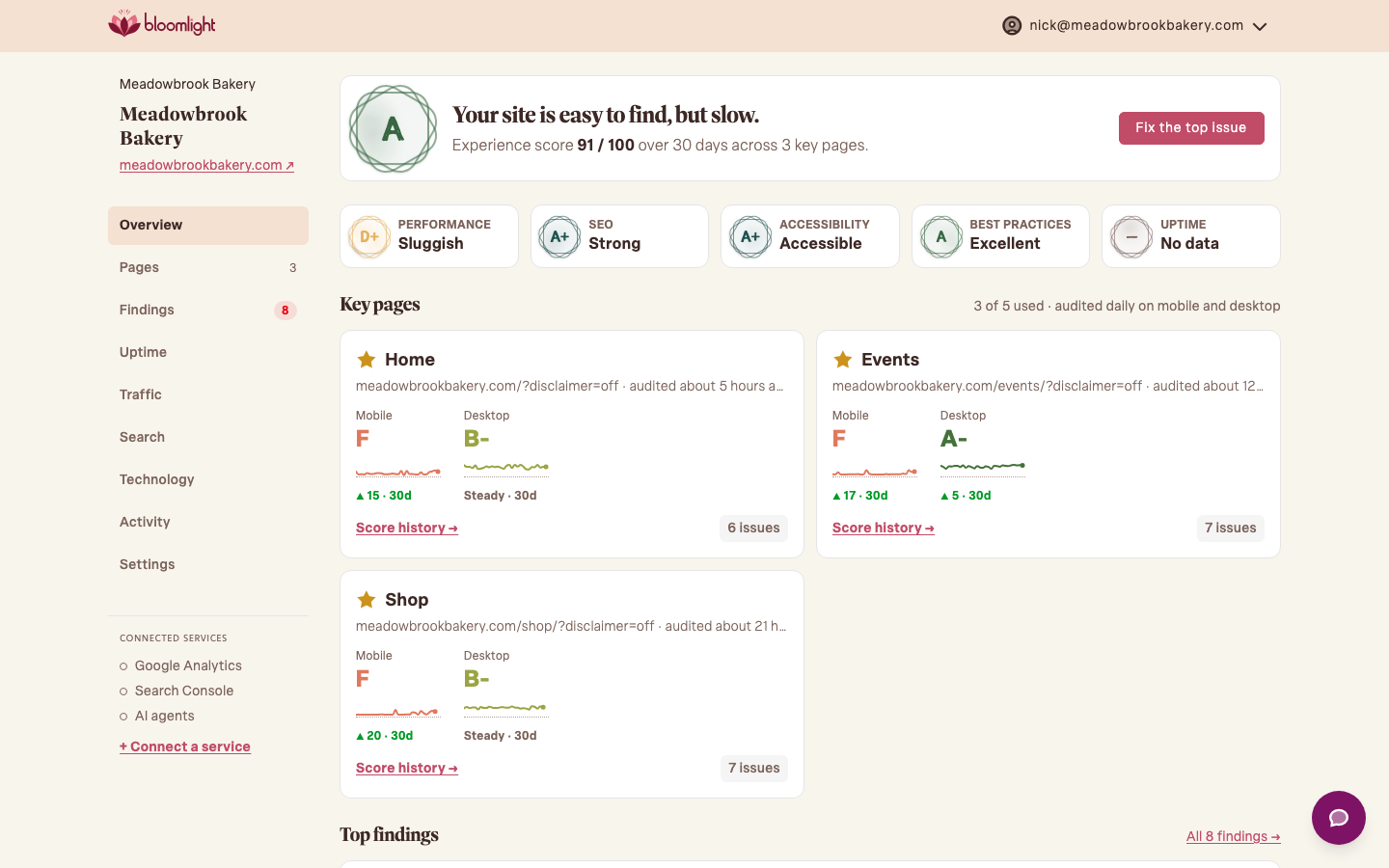
Page audits
Once a day, we load each key page the way a phone and a laptop would and grade it across four areas, using Google's Lighthouse among other tools: performance (how fast it feels), accessibility (whether everyone can use it), best practices (safety and hygiene), and SEO (how findable it is). Scores run 0 to 100, and we show the letter grade so you don't have to memorize thresholds. Background sweeps audit the rest of your pages as capacity allows.
Scores wobble a little run to run, and that's normal. We smooth them with a 30-day view, so judge the trend rather than any single day.
Findings
Every audit is also combed for specific, fixable issues: an oversized image, a missing description, a broken link. Those become findings, plain-English action items ranked by impact. They're the fastest route from "my score dropped" to "here's what to do about it."
What to expect from here
Within a day you'll have first scores; within a week, enough history to see patterns. Every Monday we'll send a report recapping uptime, audits, and findings across your sites, so checking in takes a minute instead of a login.